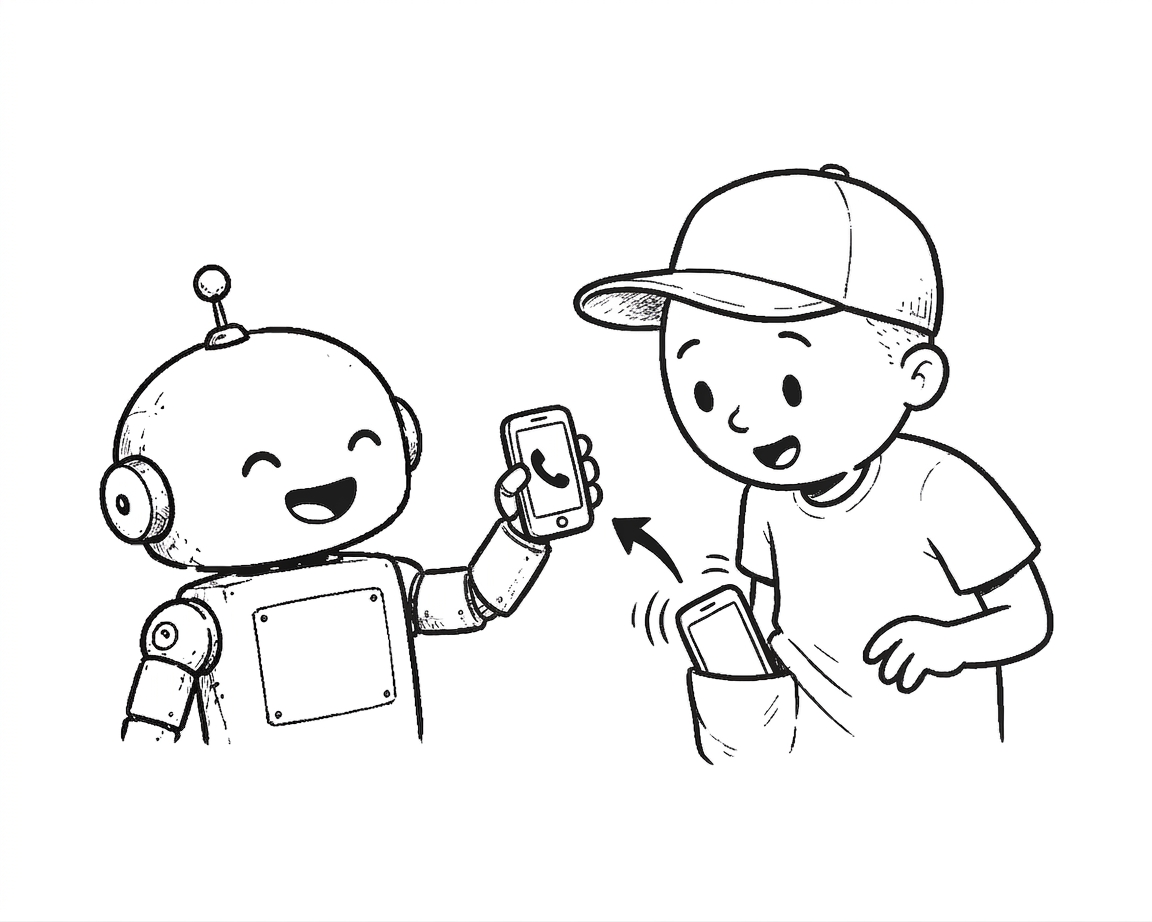
Every Robot in My House Can Text Me Now
My house is full of automation that never told me anything — until I gave it one push bus. The first thing I taught it to do was warn me before Claude Code cuts out mid-task.
My house is full of automation that never told me anything — until I gave it one push bus. The first thing I taught it to do was warn me before Claude Code cuts out mid-task.
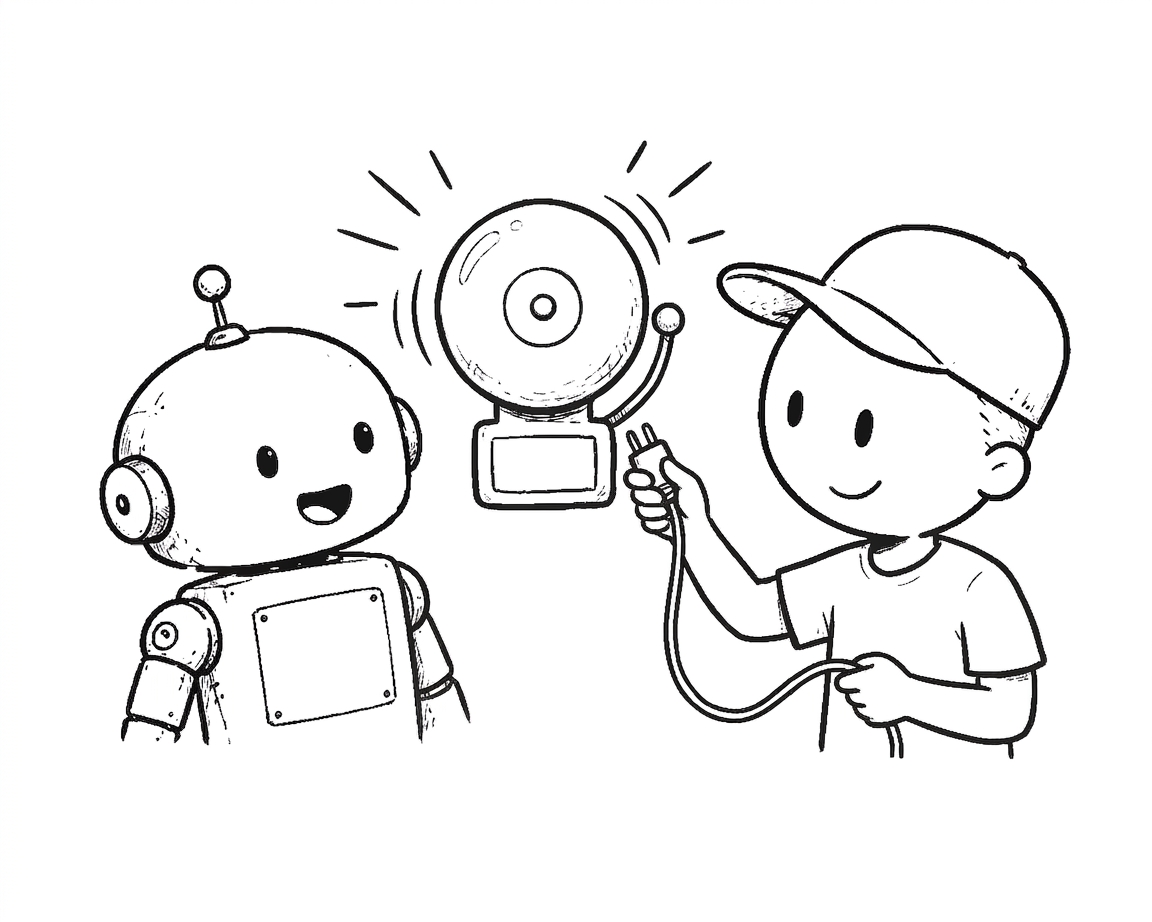
I set out to answer a simple worry — is someone trying to get into my server? — and found the scarier question underneath it: if they did, would I even know? My front door was solid. The inside had an alarm with the wires cut, a web terminal sitting on the open internet, and no floor under the blast radius. Here’s the audit, and the three things I fixed.
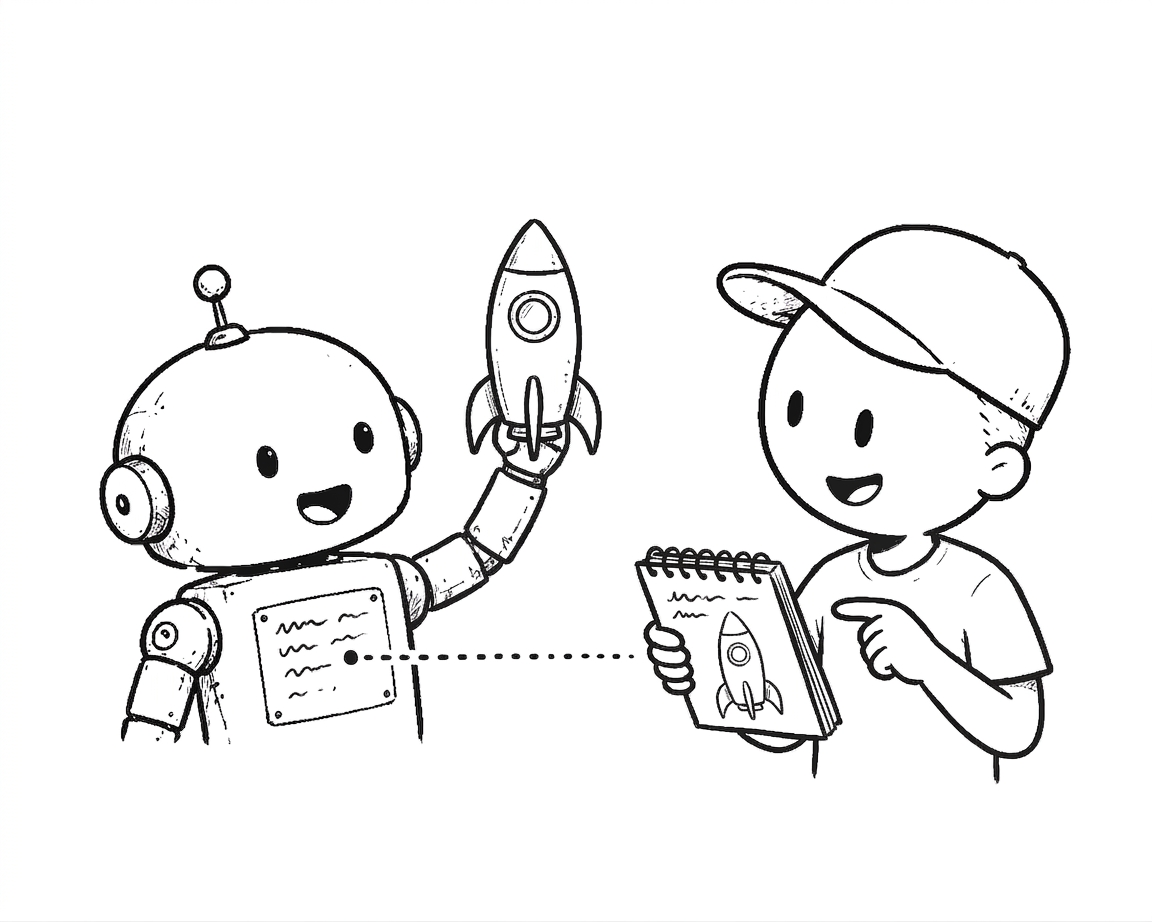
An AI agent on a scheduled idle walk through my notes pointed out that I’d built the same architecture three times — at work, in my homelab, and in my second brain — and that the third copy was missing the part that makes GitOps work. It was right. So we shipped the missing piece the same day.
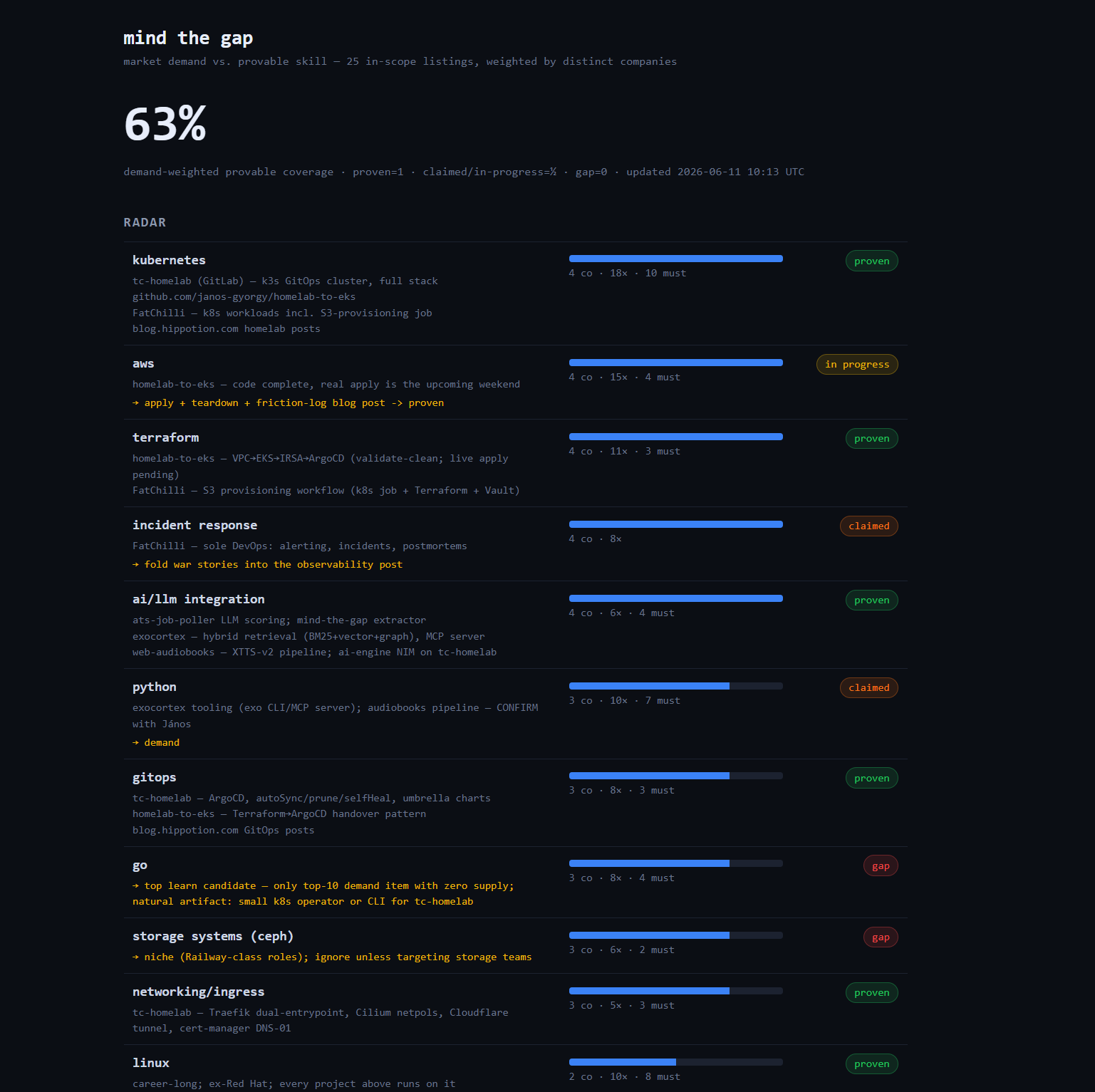
A rejection isn’t actionable data. So an n8n workflow now extracts skill demand from live job listings, diffs it against what I can prove, and renders the gap as a dashboard — deployed like everything else here: via git push.
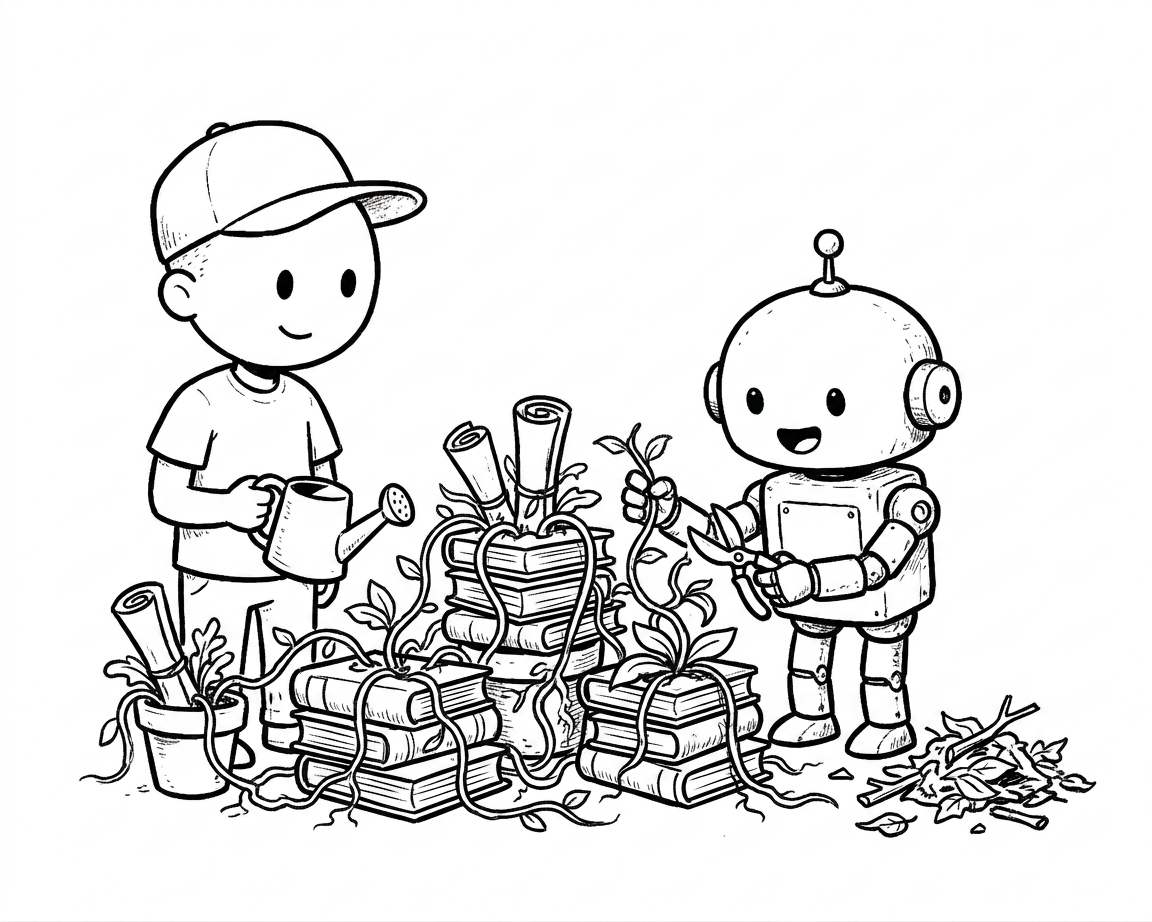
I gave my markdown knowledge base a nightly gardener — an AI that finds orphan notes and missing links and fixes them, every change a reviewable git commit. The fun part was the Kubernetes wall I hit on the way.
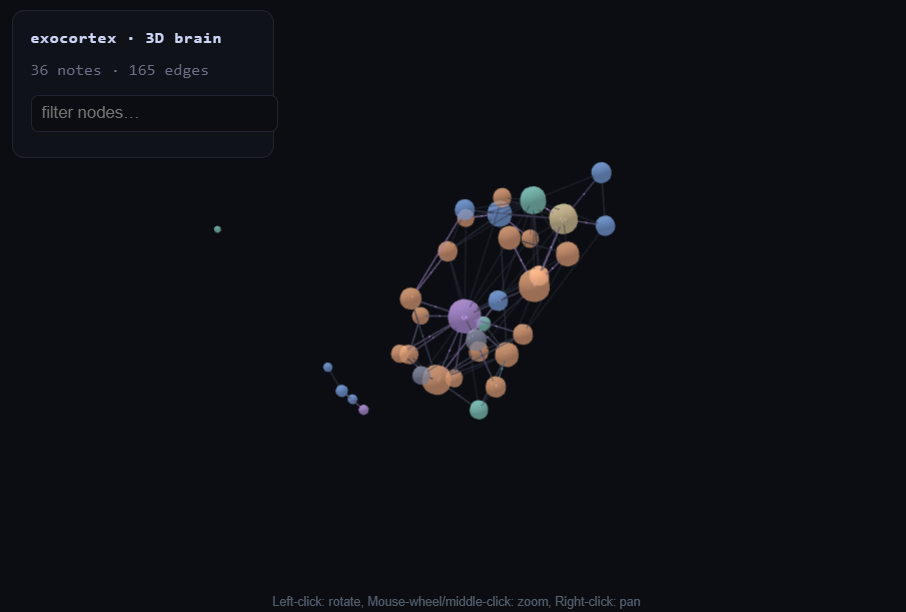
My first second brain died the way most do — on multi-device sync. The rebuild: plain markdown as the source of truth, every clever layer derived and disposable, and an AI that tends it through reviewable git diffs.
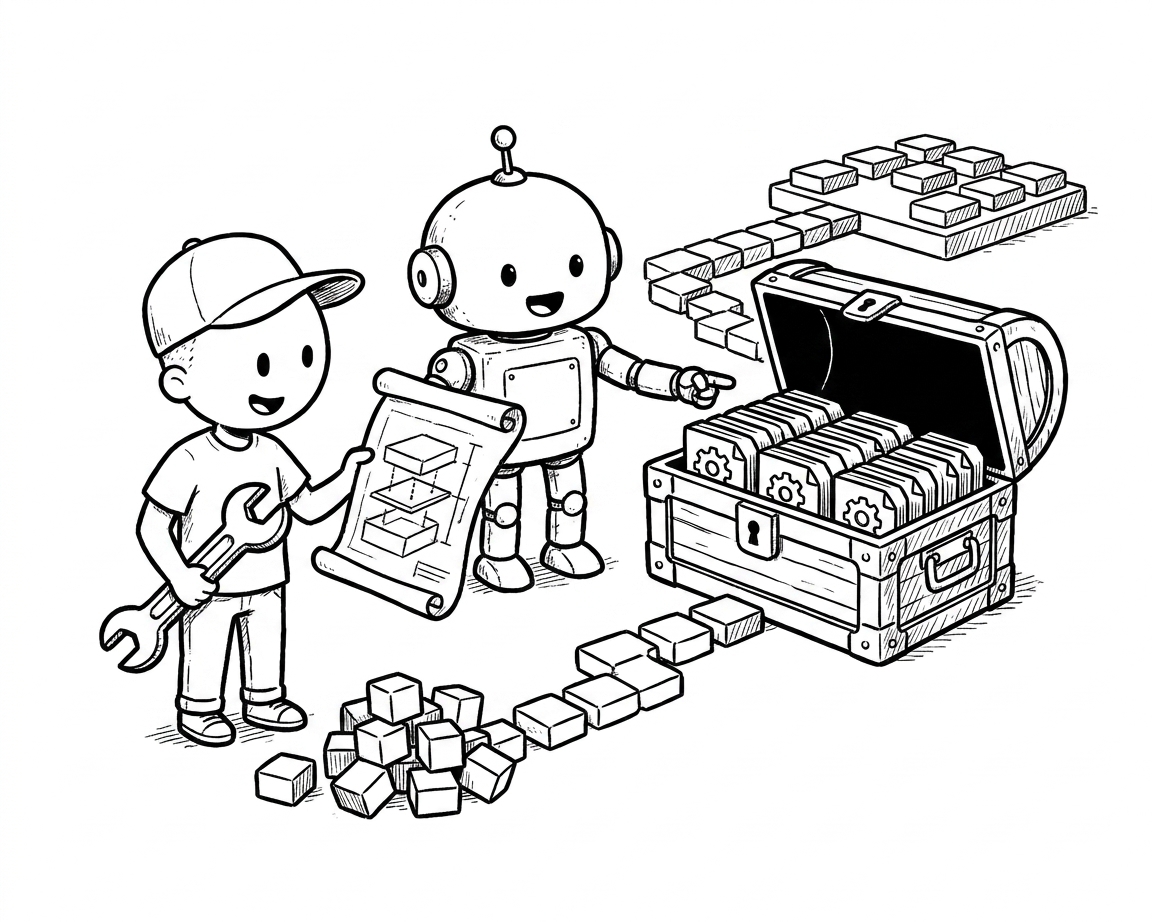
Raw YAML, Kustomize, Helm, Jsonnet — there’s more than one way to describe what you want running in a cluster. Here’s what each actually looks like in practice and where each one breaks.
A CPU-only self-hosted LLM stack running on k3s: llama.cpp as the inference server, Open WebUI as the chat interface, deployed as a single Git push.
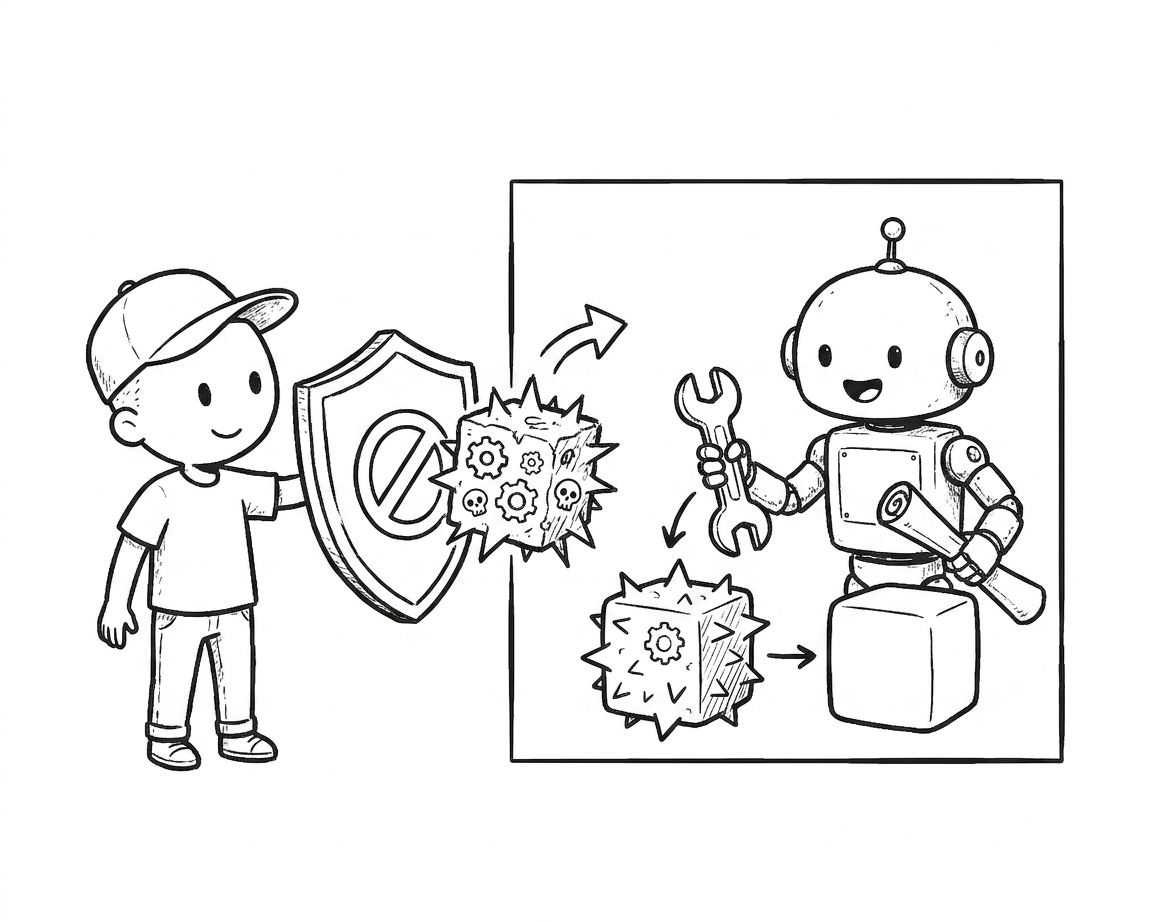
Manual kubectl in production is the Kubernetes equivalent of SSH’ing into a server and editing files. It works until it doesn’t, and when it doesn’t, nobody knows why.
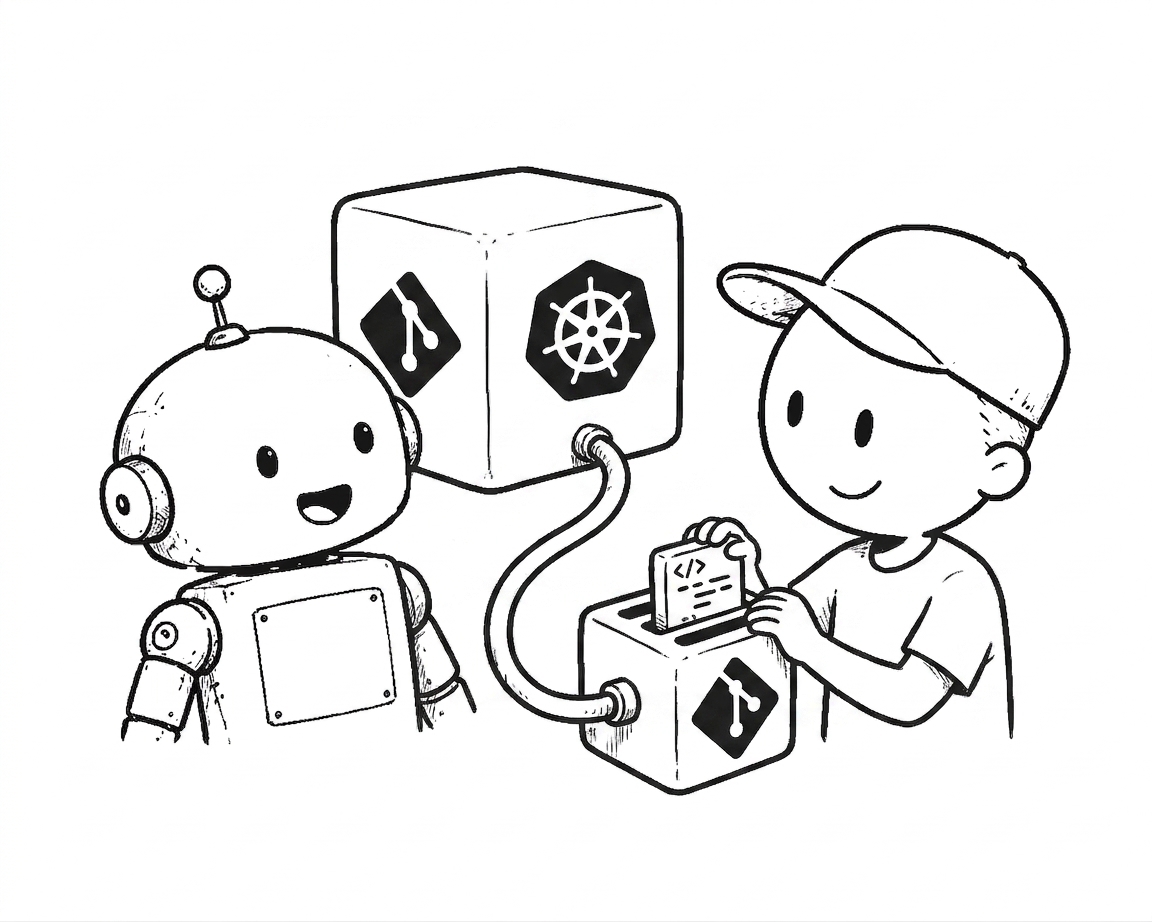
A common interview question in 2026. If your answer is ‘kubeconfig in a CI secret’, you’re not wrong — but you’re also not getting the job.